Write
Just say it. Rung writes it.
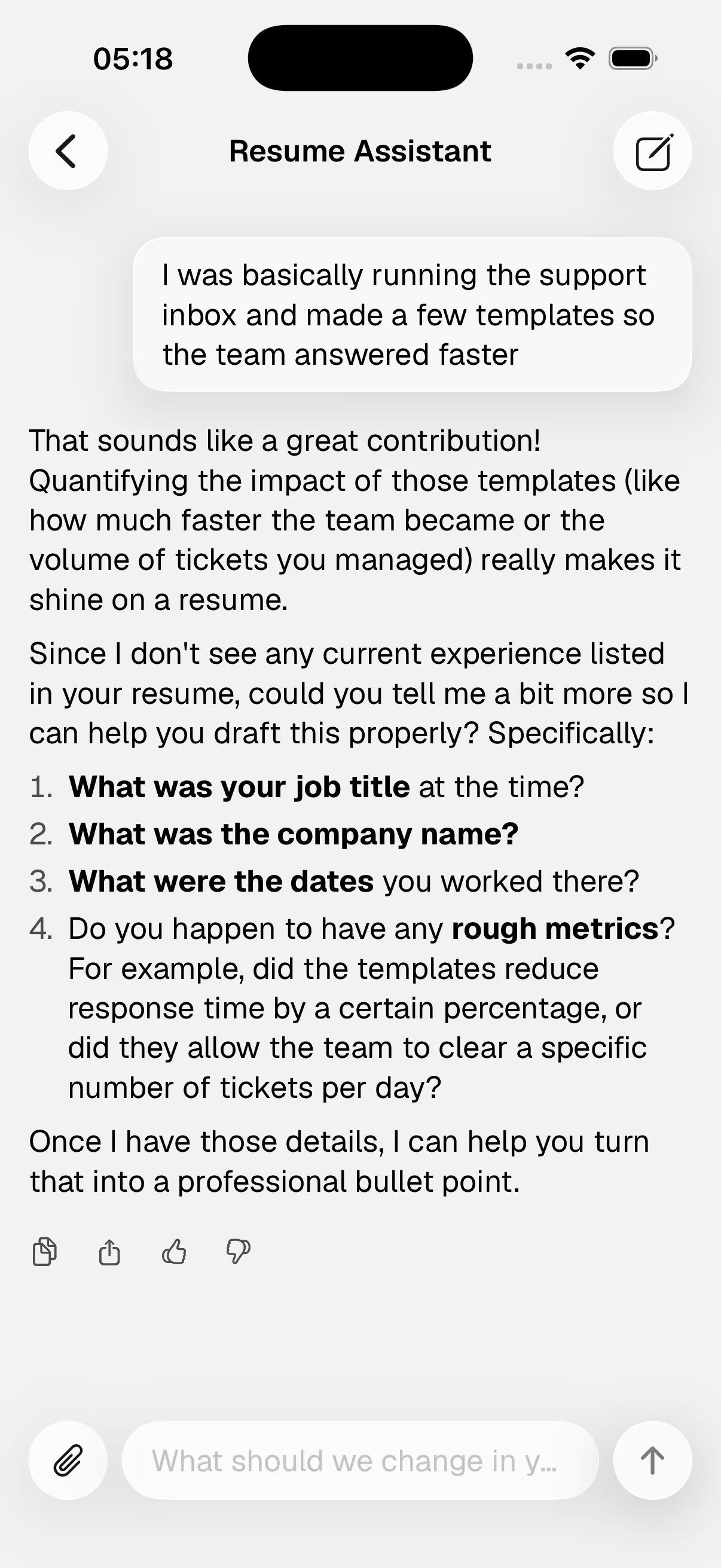
Describe your experience in plain words, in chat or a nine-step wizard, and the AI drafts every section with you. Already have a resume? Import the PDF or Word file and keep editing.
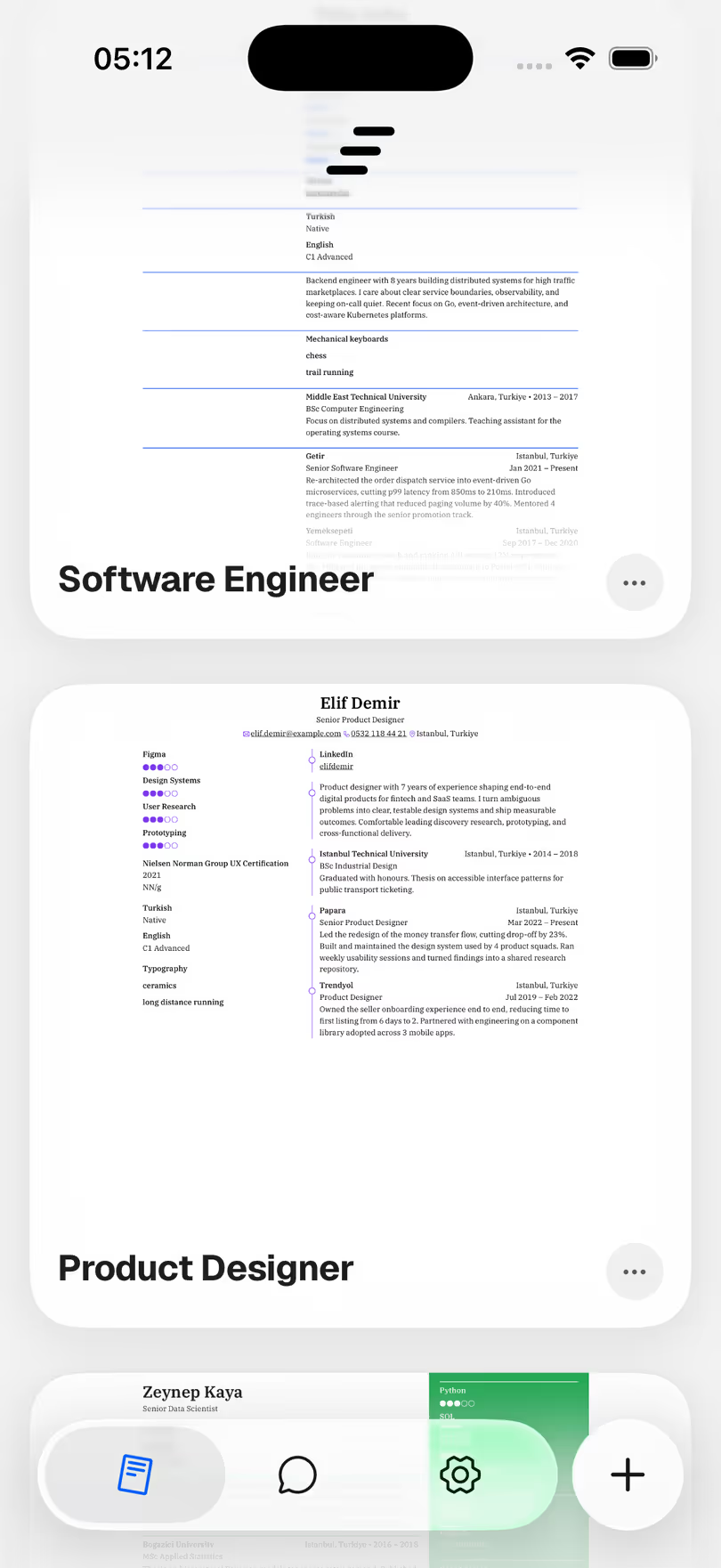
Rung writes your resume with you, scores it like a recruiter, tailors it to any job posting, and exports a pixel-perfect PDF. All on your iPhone.
Rung is an AI resume builder for iPhone that writes, scores and tailors your resume, then exports it as a PDF.
Talk to the AI in chat or answer the nine-step wizard: your own words, no blank page. Or import the resume you already have.
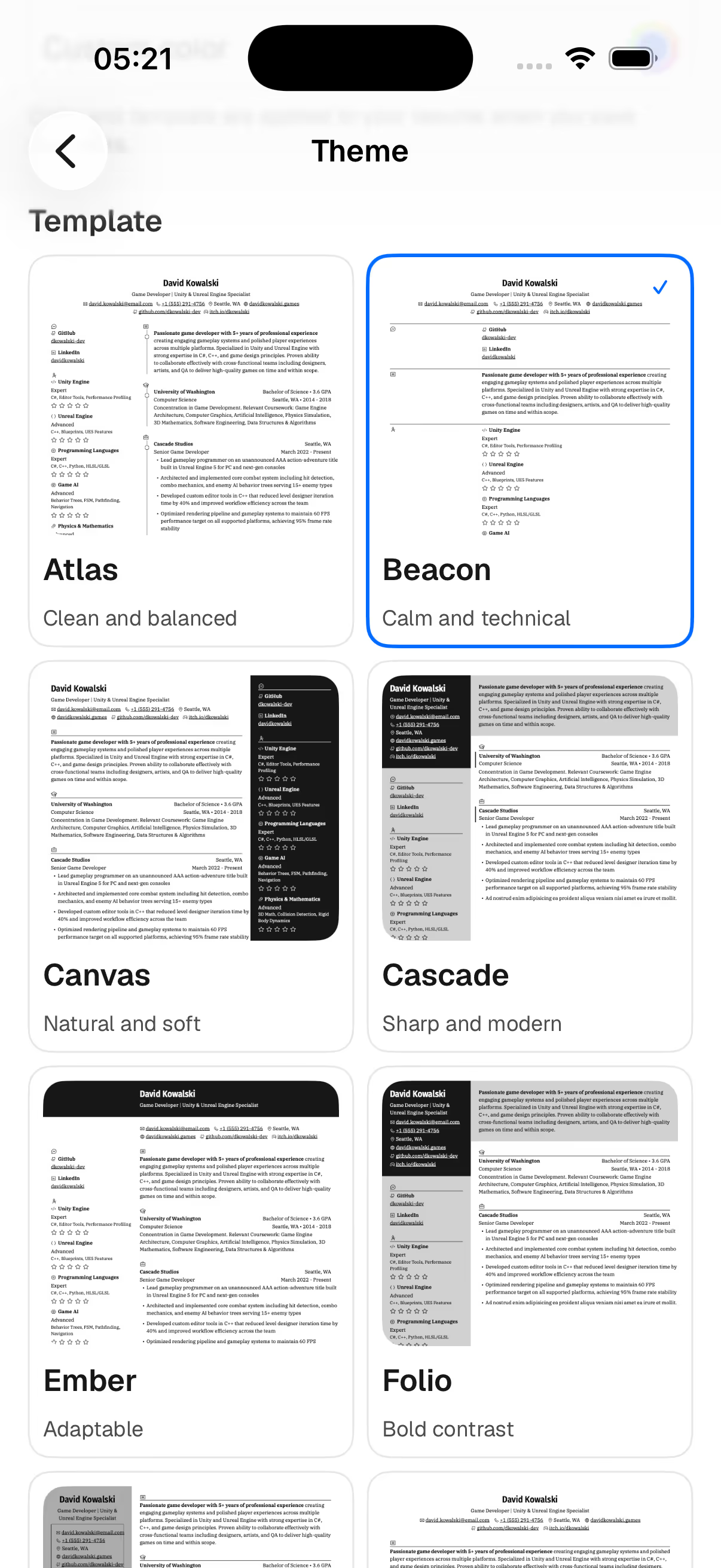
The AI drafts each section in your voice, and you edit anything with a tap. Fifteen recruiter-ready templates keep the typography perfect.
Get a recruiter-style score with one-tap fixes, tailor the resume to the posting, and export a pixel-perfect PDF.
Write
Describe your experience in plain words, in chat or a nine-step wizard, and the AI drafts every section with you. Already have a resume? Import the PDF or Word file and keep editing.
Score
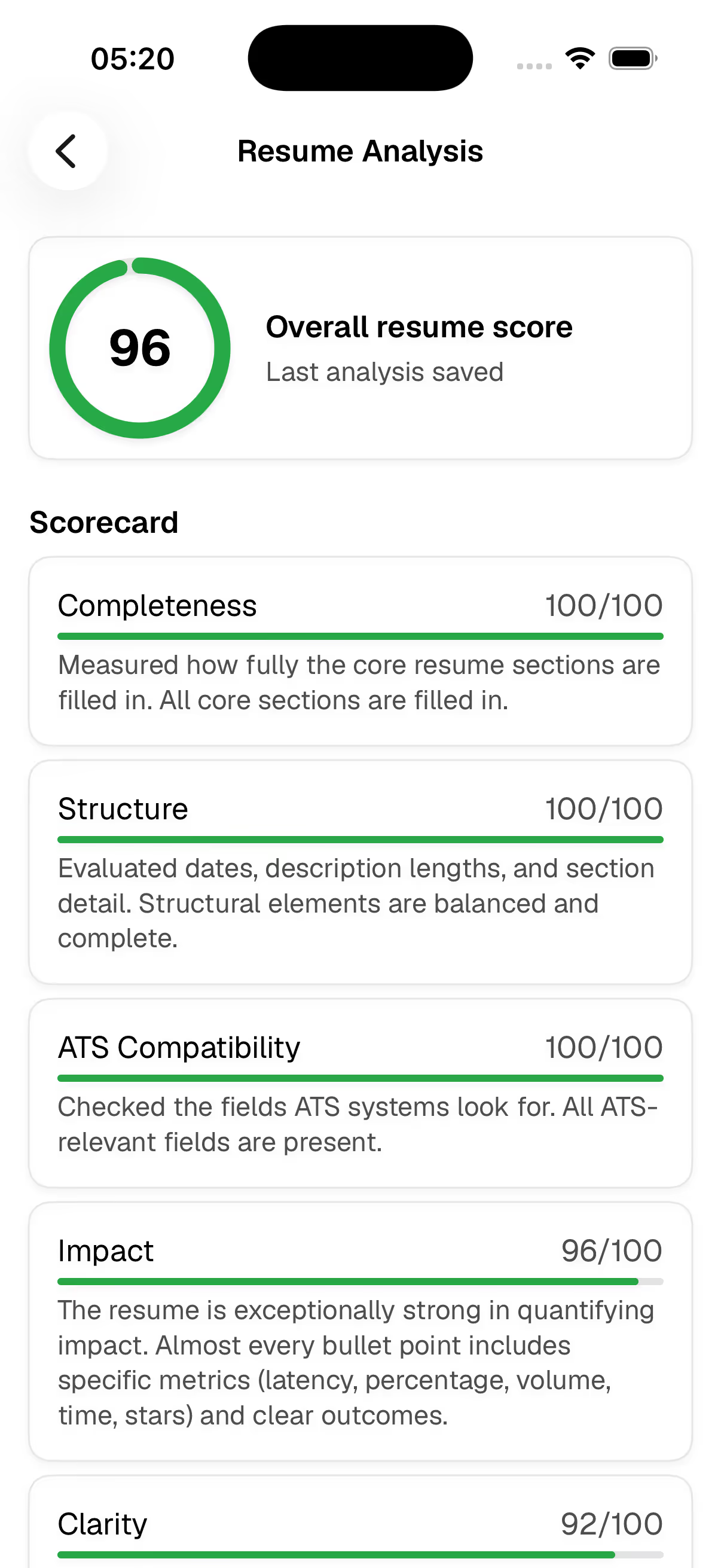
Rung reads your resume like a recruiter and scores it. Every finding comes with a one-tap AI fix: no guesswork, no blank page.
Tailor
Paste a job posting and Rung analyzes it against your resume: which skills match, what's missing, what to rewrite. Apply the suggestions with a tap.
Templates
Professionally typeset layouts that pass the six-second recruiter scan. Switch the whole look of your resume in one tap.
Export
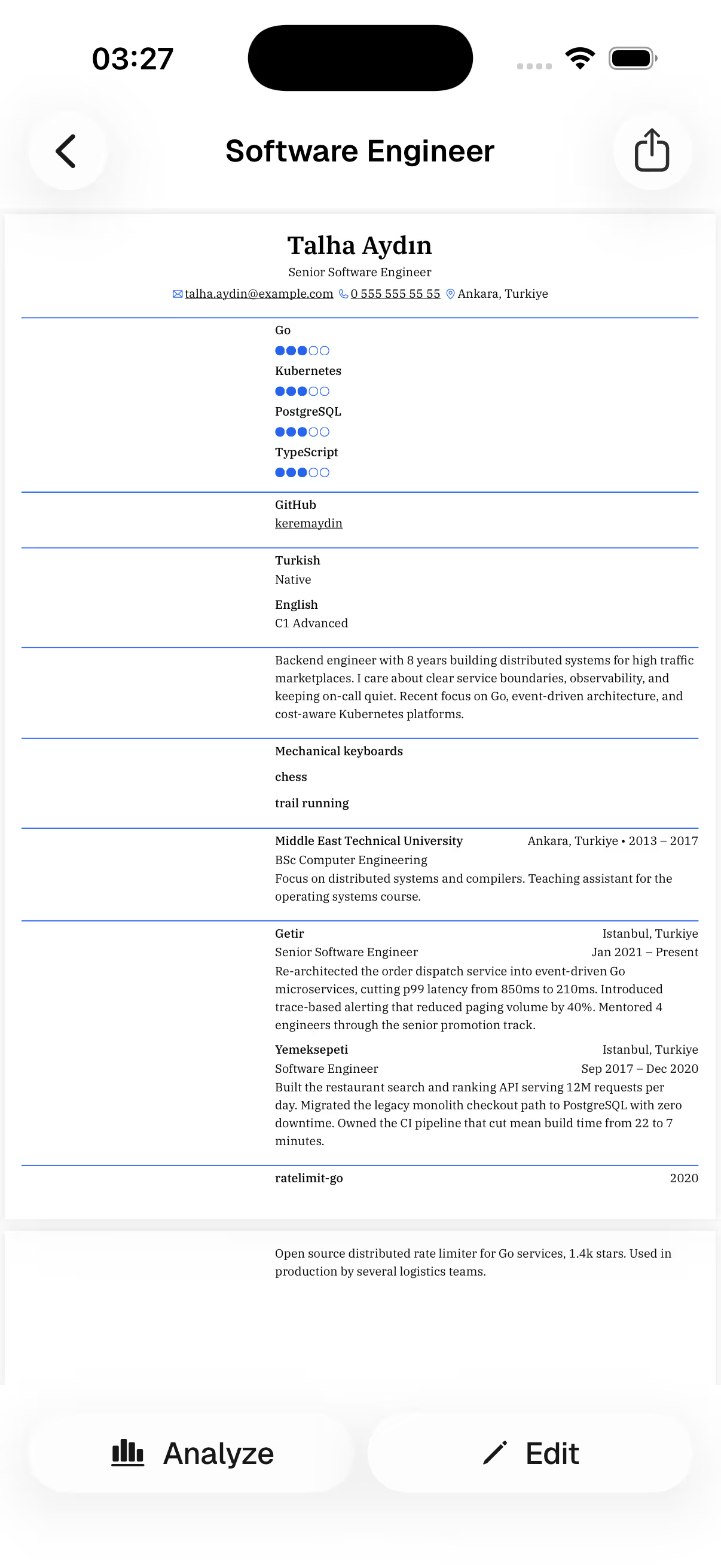
Preview your resume exactly as recruiters will see it, then export a beautifully typeset PDF from your phone. AirDrop it, email it, attach it anywhere.
Your resume is yours. Rung keeps the surface between you and your data as small as possible.
Rung is an AI resume builder for iPhone that writes, scores and tailors your resume, then exports it as a PDF. You describe your experience in plain words, in chat or through a nine-step wizard, and the AI drafts every section with you, in your own voice.
Rung is free to start: you can build a resume and try the core experience at no cost. Any paid upgrade is shown transparently inside the app before you commit. There are no ads, and your resume is never sold or used to train models.
You talk, Rung writes. Describe a role in plain words and the AI turns it into recruiter-ready bullet points: specific verbs, real outcomes, no filler. You can edit any line, and nothing is invented — the AI only shapes the facts you give it.
A resume score rates how your resume reads to a recruiter before a human ever sees it. Rung scores completeness, structure, ATS compatibility, impact and clarity, then lists every finding with a one-tap AI fix, so you know exactly what to improve next.
Paste the job posting and Rung compares it against your resume: which skills already match, which keywords are missing, and what should be rewritten. Apply the suggestions with a tap. Tailoring is emphasis, not fiction — the facts stay the same, the framing changes.
An ATS-friendly resume uses a single-column layout, real text instead of images, standard section headings and dates a parser can read. Rung scores ATS compatibility in every analysis and names the fields that are missing, so you fix parsing problems before you apply.
Yes. Import your current resume as a PDF or Word file and Rung converts it into a structured, editable document, with no retyping. From there you can rewrite sections with AI, check your score, switch templates and export a fresh PDF in one sitting.
Yes. Rung is private by design: you sign in with Apple or Google, your resume stays yours, and you can export your data or delete your account at any time inside the app. Your content is never sold or used for advertising.
Every application is a step up. Build a resume that gets you there. Free to start.